
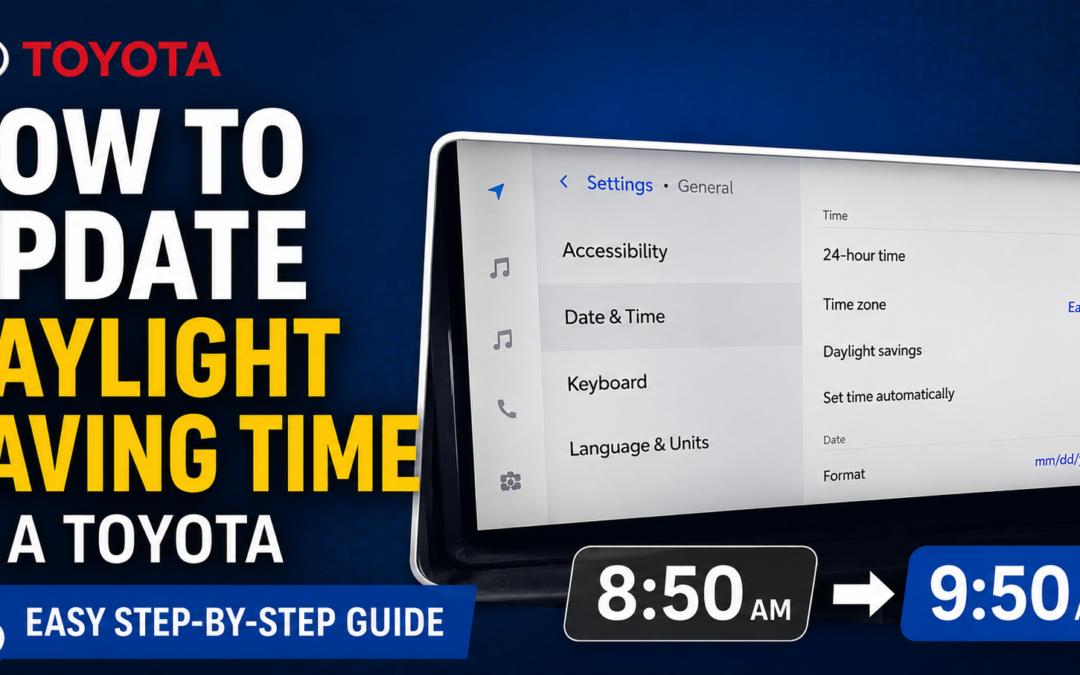
How to Update Daylight Saving Time Settings in a Toyota
If the clock in your Toyota is suddenly off by an hour, the daylight saving time setting may need to be adjusted. Luckily, Toyota makes this pretty easy to change through the vehicle’s settings menu.
Here’s how to update the daylight saving time setting in a Toyota.
Step 1: Open the Toyota App in CarPlay
Start by opening the Toyota app from your CarPlay screen. This will take you into the vehicle’s settings menu.
Step 2: Go to General Settings
Once you are in the Toyota app, select General.
Step 3: Select Date and Time
From the General menu, choose Date and Time. This is where you can adjust your vehicle’s clock settings.
Step 4: Turn Daylight Saving Time On or Off
Inside the Date and Time settings, you should see an option for Daylight Saving Time. It is a simple on/off toggle.
When you turn the setting on, you should see the clock move forward by one hour. For example, the time may change from 8:50 to 9:50.
When Should You Use This Setting?
A quick reminder, daylight saving time begins in the spring and ends in the fall.
That means you typically turn the setting on in the spring and off in the fall.
Final Tip
If your Toyota’s clock is off by exactly one hour, this is one of the first settings worth checking. It only takes a few seconds, and it can save you from manually changing the time when the daylight saving time setting is the real issue.